
Native tmux for iPhone and iPad.
Built for AI coding agents on your server.
Connect over SSH to Claude Code, Codex, or OpenCode running in tmux.

- Real tmux control mode
- Persistent server-side sessions
- No Muxly account

tmux integration
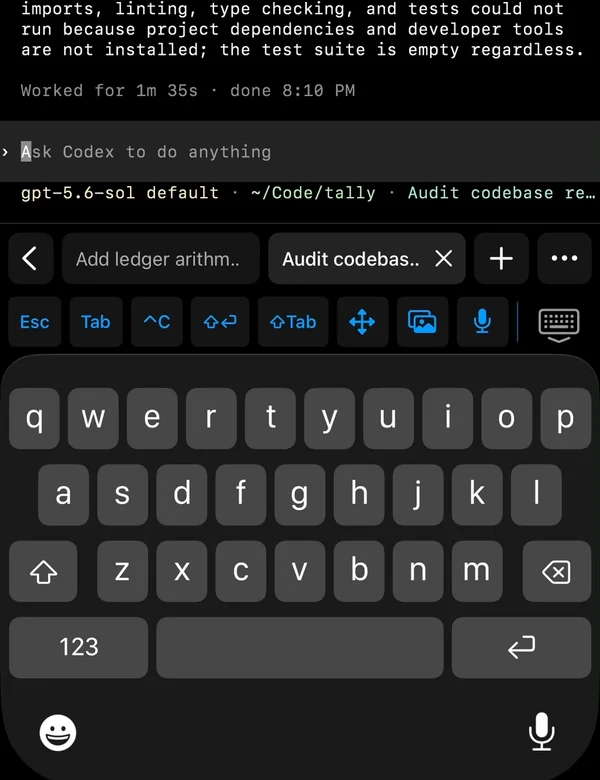
Your tmux windows become native tabs.
Switch between agent sessions, windows, and panes using Muxly’s native controls. They remain the same tmux sessions you can use from your other clients.
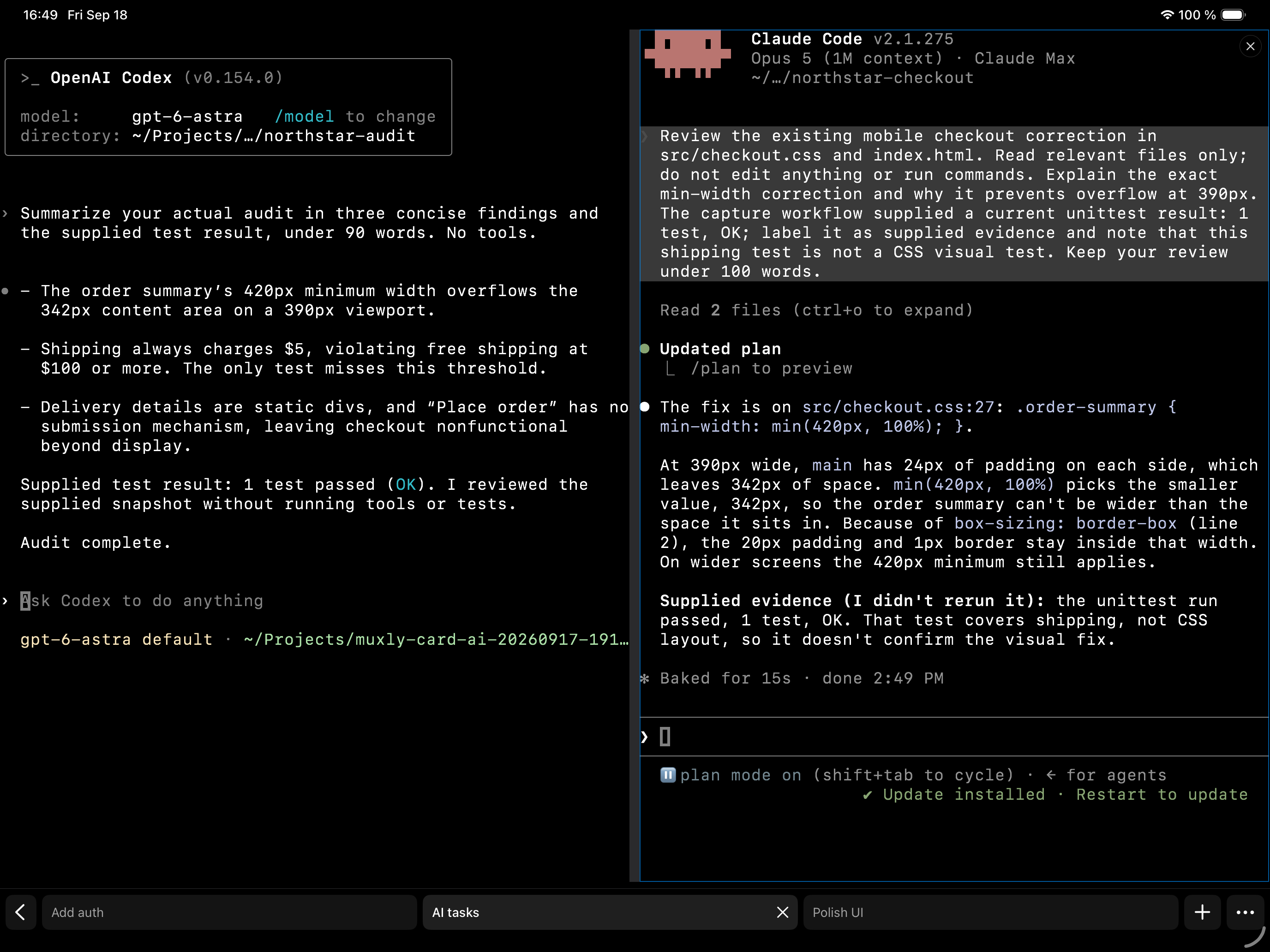
- Windows
- Create, rename, reorder, and close real tmux windows from the tab strip.
- Panes
- Switch between panes. Use the pane picker on iPhone; see panes side by side on iPad.
- Sessions
- Resume, choose, or switch sessions—including switching over an existing connection.
Built for touch
Smooth, native scrolling.
You’ll forget you’re inside tmux. Muxly uses tmux control mode to deliver a native terminal experience.

Persistent by design
Keep your AI agents running.
Your agents continue working inside tmux when you close Muxly or lose the connection. Reconnect to the same session when you return.
Leave and return to a sessionEncrypted notifications
Terminal bell notifications.
Configure your agent to ring the terminal bell when it finishes or needs input. Muxly can deliver an encrypted notification even after SSH disconnects.
Tapping a notification beams you directly into the relevant window.
Set up coding-agent notifications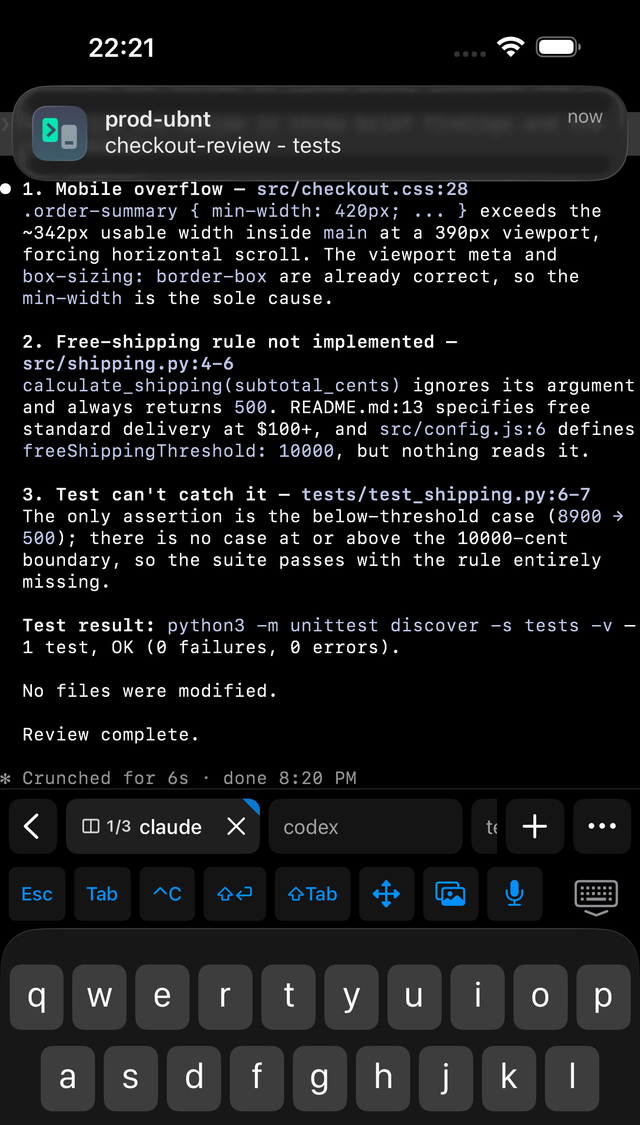
Files and editing
Manage your files.
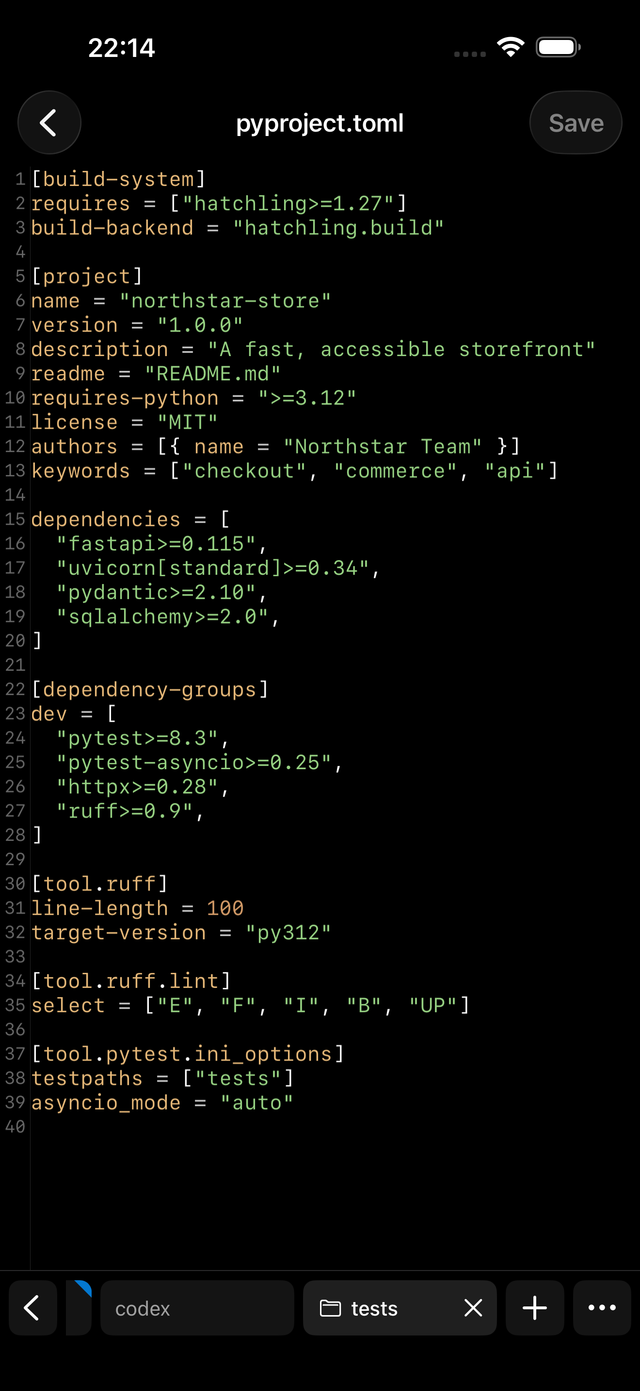
Browse remote files over SFTP and edit code or configuration files without leaving Muxly. Your file browser and unsaved edits remain available when you switch terminal tabs.
Files and editing in Muxly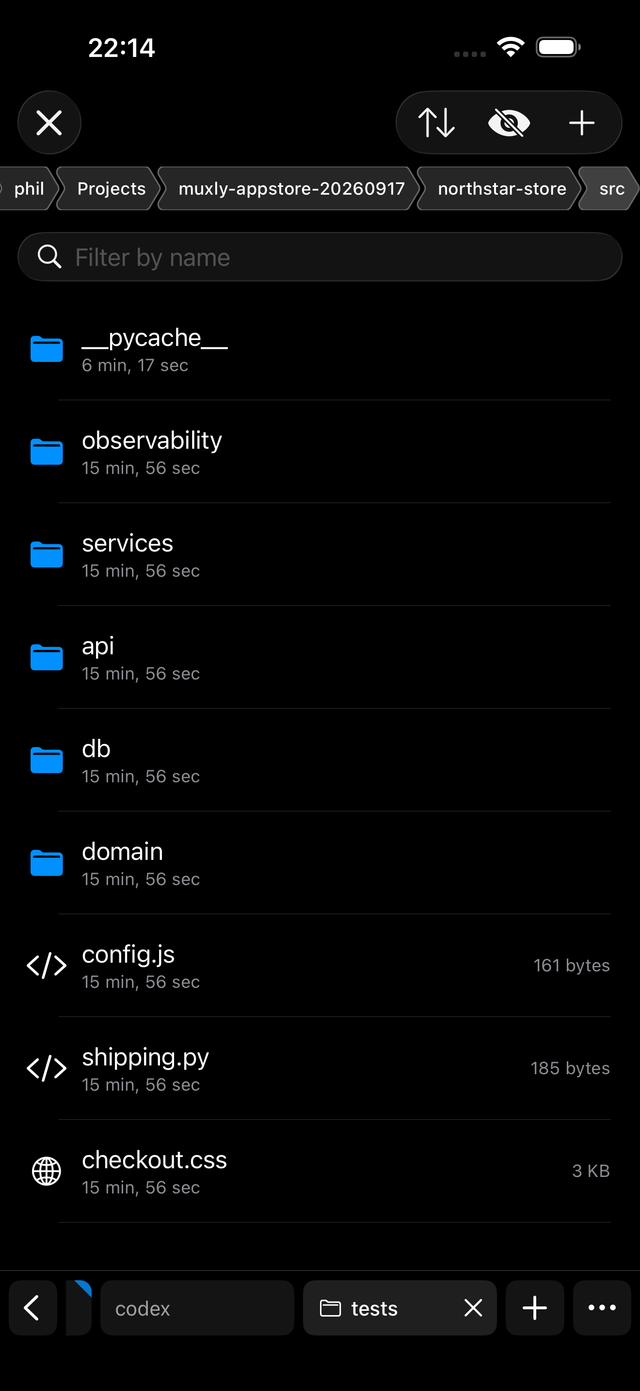
Also in Muxly
- Port forwardingLocal, remote, and dynamic rules.
- Hardware keyboardType at full speed. ⌘T, ⌘W, Esc, plus mouse and trackpad support.
- tmux prefix shortcutsMuscle memory intact. Prefix + c, %, n, p, or d work exactly as in tmux.
- DictationTalk to your agent instead of typing. On-device, private. iOS/iPadOS 26+.
- Secure Enclave keysGenerated in the device’s hardware, unlocked with Face ID. Never leaves the phone.
- Search and scrollbackFind text in the terminal. Up to a million lines of history.
Privacy
Direct SSH to your servers.
No account to create, no proxy to trust. Your device talks straight to your host.
- Your connections
- No Muxly account is required. Terminal traffic goes directly to your hosts.
- Your credentials
- Credentials are stored in the iOS Keychain. Secure Enclave private keys stay on the device.
- Optional notifications
- Bell notifications use a relay with end-to-end encrypted notification content. How it works
No ads or in-app analytics SDKs. Read the privacy policy
Download
Get Muxly.
Connections require a monthly or yearly subscription, or a one-time lifetime purchase. You can start for free with a two-week free trial.
iOS/iPadOS 18+ · SSH server · tmux 3.2+ for native tmux · plain SSH without tmux